
Few nonprofits rely on volunteer capacity to the same extent as food banks. A large food bank can easily log more volunteer hours in a single month than many organizations see in an entire year. Sorting shifts run on Tuesday mornings, packing lines on Thursday afternoons, and drive-through distributions on Saturdays. During the November–December surge, operations can effectively double—just as your team is closing out the final quarter.
At the same time, staff must manage a wide range of additional responsibilities: providing the reporting your executive team needs for the board, delivering the data your development team depends on to connect volunteer activity to donor records, and, for Feeding America affiliates, meeting network-level expectations alongside local priorities.
Most volunteer management platforms are not designed to support this level of volume or operational cadence. VolunteerHub is. More than twenty years of experience serving food banks, including many of the largest in the country, have directly shaped how the platform functions. The features that matter most in this environment are not always the most prominent in a product tour, but collectively they determine whether a coordinator finishes the week in control of the schedule or struggling to keep up.
What follows is a practical overview of the features that food bank coordinators and executive directors consistently identify as essential in helping them to solve common problems, along with the day-to-day scenarios where each delivers value.
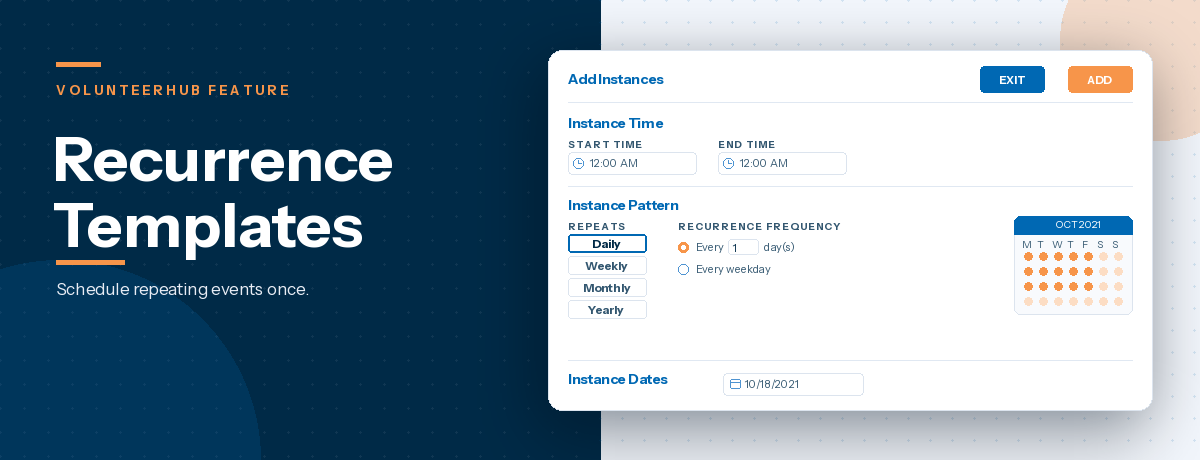
Recurrence Templates for Ongoing Shifts
Food bank operations are built around recurring shifts, and most programs can map out a full quarter of volunteer activity in advance: Tuesday sorting lines, Thursday packing lines, every-other-Saturday distributions, and first-of-the-month mobile pantries. VolunteerHub’s Recurrence Templates allow you to define each of these patterns once, using the template as the parent for the entire series and automatically generating all future instances. This structure makes it easy to manage changes, whether adjusting capacity during a renovation week, canceling for a holiday, or accommodating a one-time group—by modifying only the affected instance without disrupting the rest of the schedule.
The result is a more efficient workflow. Coordinators no longer need to recreate the same shifts week after week; instead, they focus only on exceptions as they arise.
Group Manager
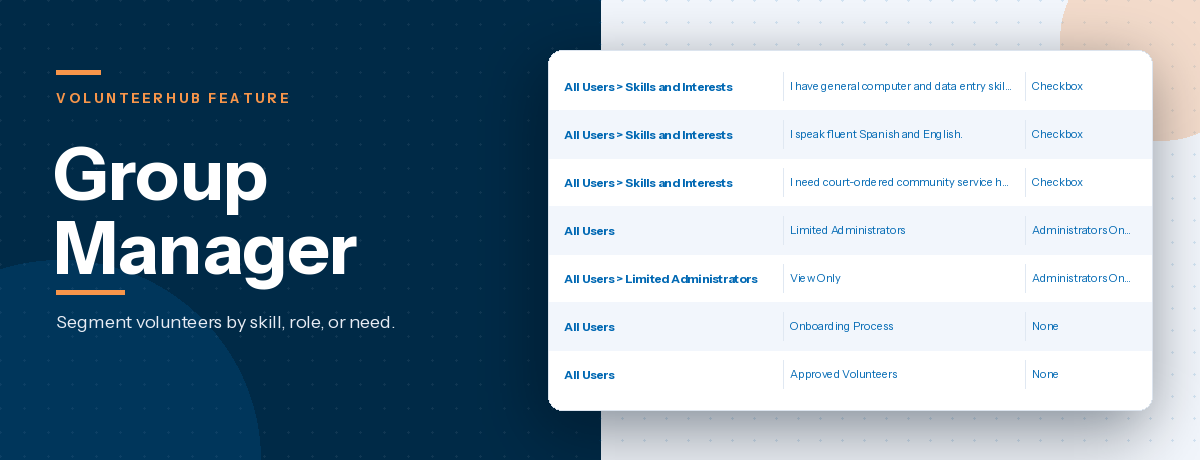
Anyone who has coordinated volunteers at a food bank understands how much of the week is dedicated to group participation—whether it’s a local company scheduling a team service day, a church bringing 25 volunteers for a Saturday packing shift, or a high school class completing service hours. Managing the back-and-forth for a 30-person group one email at a time can easily consume an entire afternoon. Group Manager is designed to shift that administrative challenge away from your coordinator and onto the group itself. A designated group leader can register their team for a shift, maintain an accurate roster as participants confirm or drop out, check everyone in upon arrival, and receive logistics on behalf of the group. As a result, the coordinator manages a single registration with a reliable headcount rather than piecing together dozens of individual sign-ups.
For food banks that rely heavily on corporate partnerships and faith-based groups, this is often one of the most significant time-saving features in the platform. It also enhances the group experience, as the group leader is better positioned to communicate with participants than staff managing multiple groups at once.
Kiosk, OnSite, and the Mobile App for Check-In
A Saturday distribution is not the time to rely on a paper sign-in sheet. VolunteerHub provides three distinct check-in options, allowing food banks to match the method to the moment rather than forcing every volunteer into the same workflow:
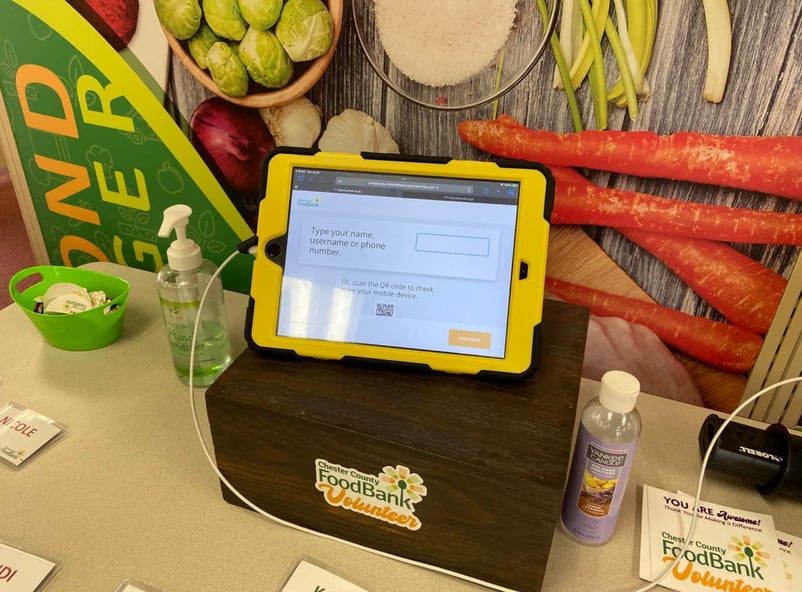
- Kiosk is a volunteer-facing, self-service station—typically run on a tablet near the entrance—that allows volunteers to check themselves in without requiring staff assistance.
- OnSite is the admin-facing counterpart, designed for coordinators managing check-in from an iPad or phone. It is particularly effective when groups arrive together and need to be checked in quickly as a batch.
- The Mobile App is a native, volunteer-facing app that enables individuals to check in from their own devices upon arrival. QR codes and a daily Check-In Code provide additional flexibility for organizations seeking a more lightweight, contactless option.
The goal is not to prescribe a single “best” method, but to give your food bank the flexibility to choose what works best for the day, the crowd, and the space—without having to design operations around the limitations of a single tool.
Configurable Forms and Waivers
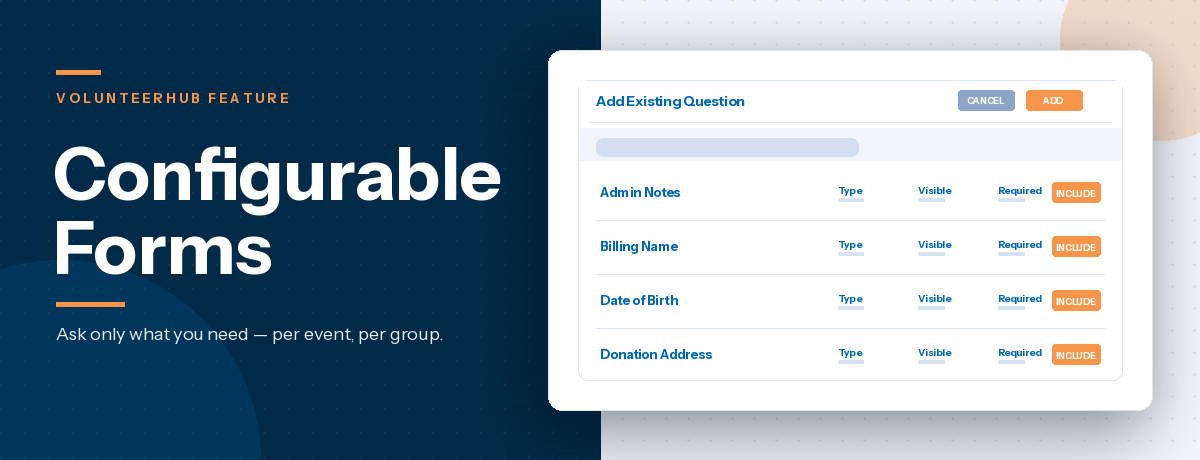
Food banks operate within a set of compliance requirements that many general nonprofits do not face. These can include food handling training, age restrictions for warehouse roles, documentation for equipment such as forklifts, allergen awareness for packing teams, and liability waivers that often require annual renewal. VolunteerHub’s Configurable Forms allow organizations to capture all necessary information during registration—whether that’s dietary restrictions, emergency contacts, T-shirt sizes for corporate groups, prior experience, or certifications. As a result, volunteer records are complete before arrival, and staff are not left tracking down missing details on the day of the shift.
Advanced Permissions and Waivers extend this capability by restricting access to specific roles until the appropriate requirements are met. For example, a volunteer who has not signed the current food handling waiver will be unable to register for a sorting shift until they do so. While many programs may not prioritize this functionality initially, it quickly becomes indispensable once it has prevented a compliance issue.
Workflows
Most food bank coordinators already have a clear sense of which volunteer communications matter most:
- The confirmation email after registration
- The reminder sent the day before a shift
- The post-shift thank-you
- The follow-up to a volunteer who has not returned
- The birthday message that helps volunteers feel recognized
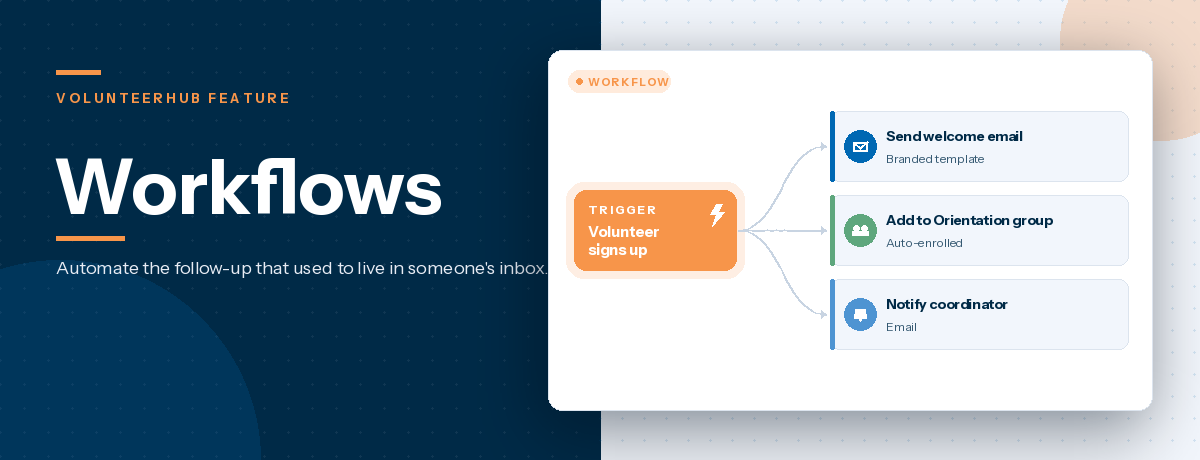
While the need for these touchpoints is well understood, the time required to execute them manually often is not. VolunteerHub’s Workflows are designed to bridge that gap, allowing you to build these communications once and automate them based on specific triggers, such as volunteer registration, a first shift, milestone achievements, periods of inactivity, or any combination of conditions relevant to your program.
For food banks looking to improve first-shift retention—typically around 55% across the industry—automating early-stage communication is one of the simplest, highest-impact changes available. It does not require reworking onboarding processes or retraining staff, but instead leverages capabilities already built into the platform.
Reporting
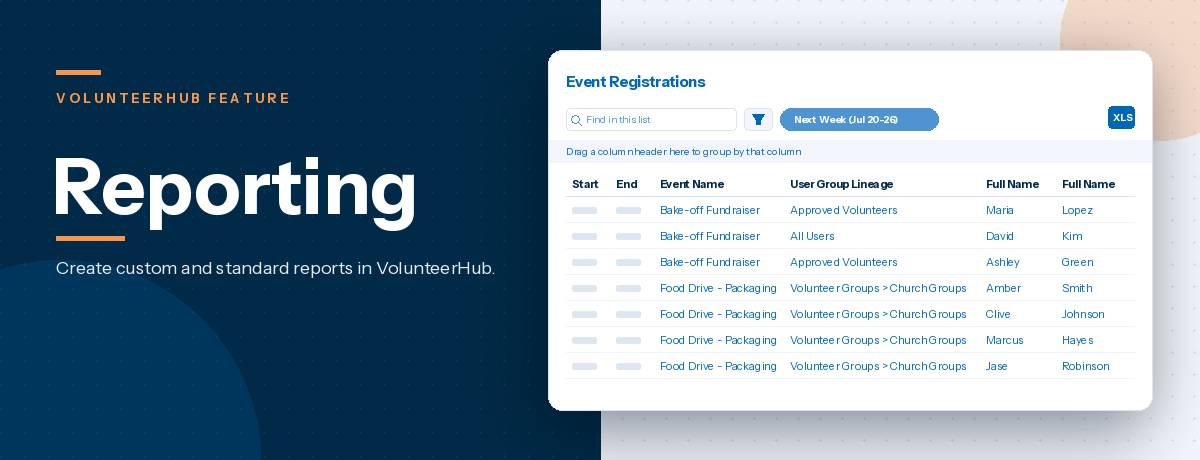
Food banks are often responsible for reporting to multiple stakeholders, each with distinct data needs: quarterly volunteer hours and retention metrics for the board, volunteer-to-donor overlap for the development team, no-show rates by shift type for operations, and, for Feeding America affiliates, additional network-level reporting requirements. VolunteerHub’s reporting tools allow you to build custom reports that draw from any combination of event, user, and attendance data—including rosters, hours, participation, retention, group involvement, birthdays, and recurrence patterns. This means that when leadership asks how many volunteer hours came from corporate groups last quarter, the answer can be generated in minutes rather than requiring hours of manual exports and spreadsheet reconciliation.
While the impact may not always feel immediate, the value compounds over time. The hours saved on manual reporting translate directly into more time your team can spend engaging with volunteers, partners, and staff.
Integrations
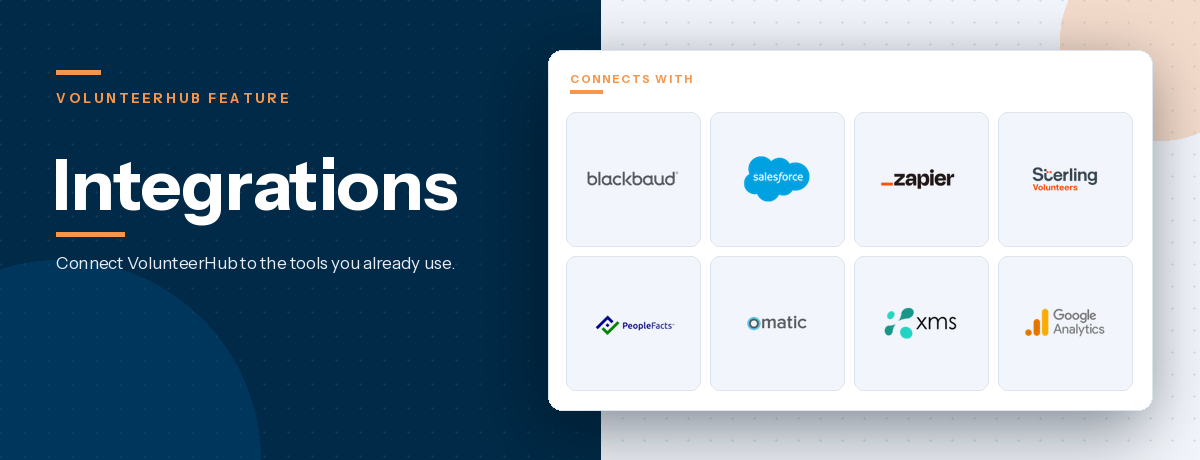
Many food banks already operate a donor database—whether it’s Raiser’s Edge, Salesforce, eTapestry, or Altru—and in many cases, volunteers and donors significantly overlap. VolunteerHub integrates directly with the systems your development team already uses, ensuring that these connections are visible and actionable. When a volunteer becomes a first-time donor, that activity is reflected in your fundraising platform. Likewise, when a lapsed donor has been consistently volunteering—for example, every Thursday for the past six months—that engagement is surfaced where your development team is already working.
When volunteer and donor data exist in separate systems, meaningful patterns can be missed, and highly engaged individuals can fall through the cracks. Integration closes that gap—without requiring your team to manually maintain and reconcile data across multiple platforms.
Built for the Reality of Food Bank Operations
Features tell only a small part of the story. The reason food banks consistently choose, and continue to rely on, VolunteerHub is that the platform is purpose-built for programs that operate at scale, with heavy reliance on volume, recurring schedules, group participation, and compliance requirements. These are not edge cases—they are the day-to-day realities of food bank operations.
For programs that are already stretched thin, the objective is not to add more software, but to create operational efficiency. The goal is to free up coordinator time so it can be reinvested where it matters most: building relationships with group leaders, supporting new volunteers through their first shift, and recognizing the individuals who make a long-term commitment to your mission.
That is what the features outlined above are designed to do—working together to reduce administrative burden and return time to your team.
To see how this approach comes together in practice, the Food Bank of the Southern Tier case study offers a helpful example. If you’d like to explore how a similar approach could support your food bank’s specific needs, we’d welcome the opportunity to connect.